
Everyday tech
Better Phone Photos Without Buying a New Phone: Simple Tips Anyone Can Use
Improve phone photos with better light, clean lenses, careful focus and simple framing. Practical tips for family pictures, products and everyday moments.
THE QUICK ANSWER
Before upgrading the camera, improve the light, clean the lens and place the subject carefully. Those changes can make a bigger difference to an everyday photo than using another filter.
- Good light and a clean lens are the best starting point.
- Focus on the subject and check exposure before shooting.
- Judge the photo at the size you will actually share or print.
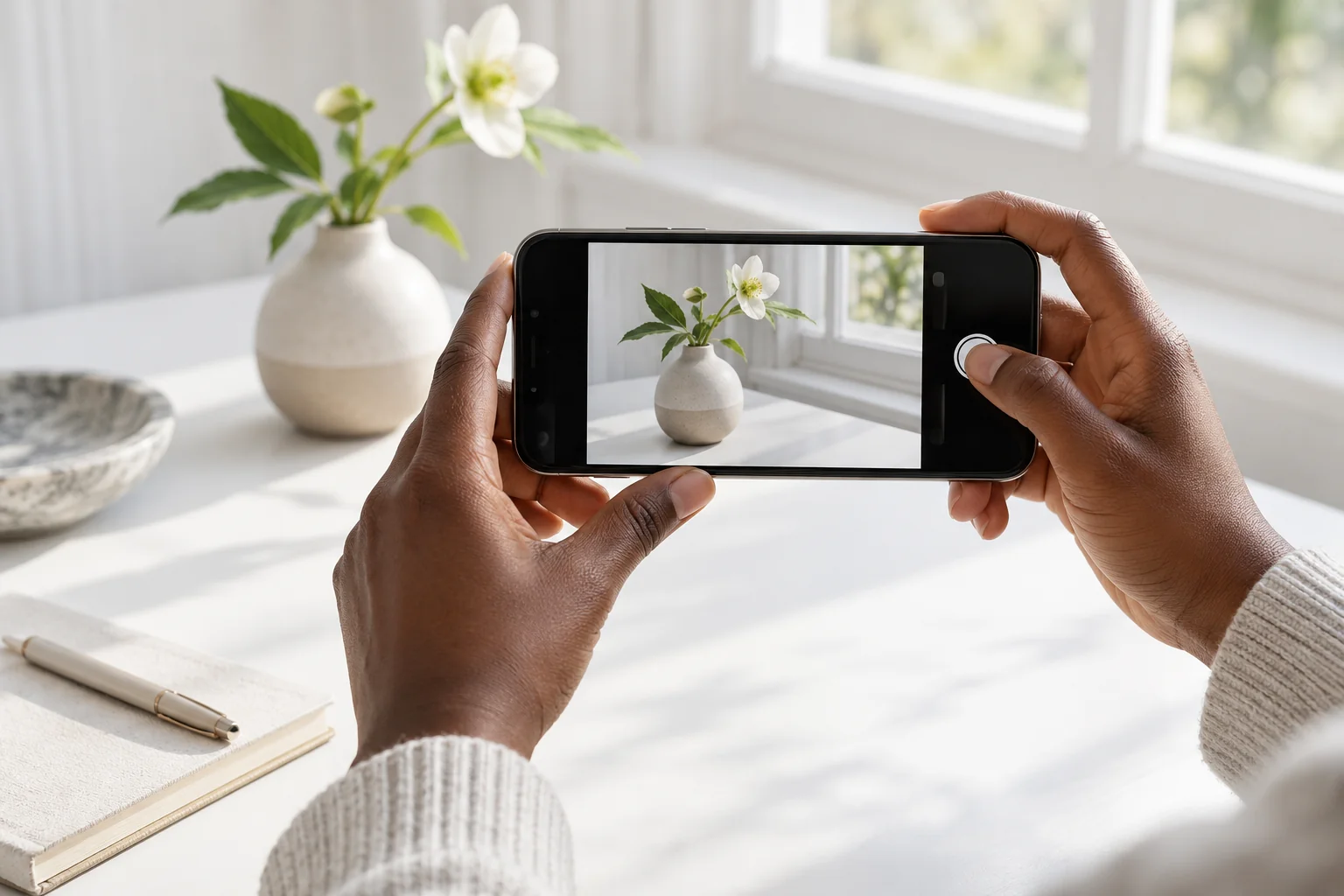
Start with a clean lens and useful light
A fingerprint over the camera can soften detail and spread light around bright objects. Gently clean the lens with a suitable clean, soft cloth. Check the manufacturer’s cleaning advice; avoid abrasive materials and spraying liquid into openings.
For a person or product indoors, try facing a window with indirect daylight. Move the subject instead of immediately turning on flash. Watch for harsh shadows, strong backlighting and mixed-colour lighting from different lamps.
Tell the camera what matters
On many phones you can tap the subject to set focus and adjust brightness. On iPhone, supported camera controls also let you lock focus and exposure. The controls vary, so learn your own camera app rather than copying every setting from a different model.
If a bright window makes a face too dark, change your angle or move the person. If a white product loses all detail, reduce exposure slightly and check the result. A small adjustment before capture is often easier than trying to rescue the image later.
Frame deliberately
- Keep the background simple and remove distracting items around the subject.
- Keep vertical edges straight when photographing buildings or products.
- Try a small change in camera height instead of taking every picture from standing eye level.
- Use the appropriate lens or move closer when safe; inspect the result before relying on heavy digital zoom.
- Take a few purposeful alternatives, then choose the strongest one rather than keeping dozens of nearly identical shots.
A simple product-photo setup for a small business
Place the item near indirect window light on a plain surface. Clean the product, show its front and useful details, and keep the camera steady. Include an honest close-up of any damage when selling pre-owned goods.
Take a main photo, a detail photo and an image that explains size or use. Keep colours realistic: a dramatic filter can make a product look different from what the customer receives. If you are photographing a screen, check reflections and whether the text is readable.
Review before deciding you need new hardware
Compare your original photo with one taken after improving light and framing. View both on the same screen. A messaging app may compress a photo, so keep the original file when quality matters.
Upgrade when you have a repeated need your current system cannot meet, such as a useful telephoto perspective or a particular video feature. Describe that need clearly when comparing devices. “Better camera” becomes a much easier request to answer when the kind of photo is known.
A LITTLE MORE CLARITY
Common questions
Should I always use portrait mode?
No. Use it when its background effect suits the subject, and check edges around hair, glasses or objects. Ordinary photo mode can be more reliable for some scenes.
Why do my photos look worse after sending them?
Some apps compress images. Compare the original with the sent copy and use the app’s appropriate quality or file-sharing option when detail matters.
Sources & further reading
Official guidance behind the technical details. Check the latest instructions for your model.