
Device care
Water-Resistant Doesn’t Mean Waterproof: What Your Phone Can Really Handle
Understand phone water resistance, everyday liquid risks and what to do with a wet charging port. Learn why an IP rating is not a guarantee against damage.
THE QUICK ANSWER
A water-resistance rating describes specific test conditions. It is not permission to treat a phone as waterproof in every situation, and protection can change with wear, damage and repairs.
- Check the exact model’s rating and instructions.
- Keep charging connections dry.
- Do not test water resistance by deliberately submerging the phone.
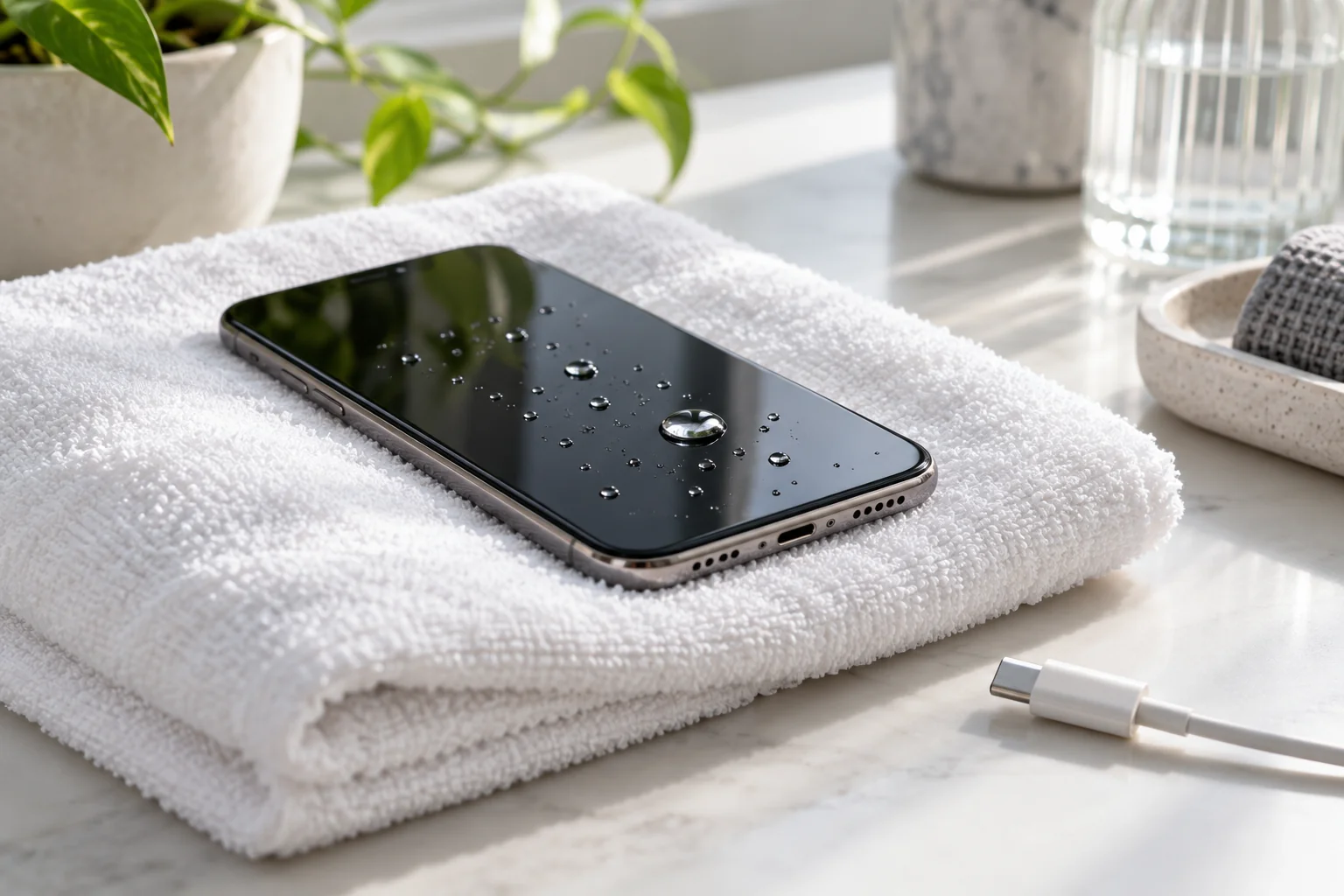
What the rating actually means
Labels such as IP67 or IP68 refer to defined testing, with the manufacturer stating the applicable conditions. Read the model’s own specifications rather than treating all phones with a similar label as interchangeable.
A laboratory result does not describe every real-world spill, pressure, temperature or liquid. Pool water, a shower, salt water and a drink are different exposures. The safest approach is to avoid unnecessary contact rather than finding out where the limit is.
Protection is not permanent
Apple explains that splash, water and dust resistance can diminish with normal wear. Damage or repair history adds more uncertainty when buying a used device. A phone looking perfect from the outside does not prove every seal is intact.
Ask about prior damage and repairs, but do not accept a seller’s suggestion to dunk the phone as an authenticity or condition test. Deliberate exposure can create a new problem while telling you little about future reliability.
If the charging connector gets wet
Unplug a connected cable when safe and follow the device’s liquid-alert instructions. For iPhone, Apple recommends allowing the connector to dry with airflow and avoiding rice, external heat, compressed air and objects pushed into the port. Drying can take time; do not rush to resume wired charging.
Use the official instructions for the exact device, especially after contact with liquids other than fresh water. If liquid damage is suspected or behaviour changes, seek assessment. A device turning on again is not proof that no damage occurred.
Keep these habits simple
- Keep drinks away from charging phones and laptops.
- Avoid using the phone in a shower or sauna.
- Dry hands and accessories before connecting a cable.
- For boating, beach or wet-work situations, use equipment specifically rated for that environment and follow its limits.
- Back up important data before a trip so one accident does not remove the only copy.
Check warranty wording separately
Water resistance and warranty cover are different matters. Apple’s limited warranty excludes liquid damage, while applicable consumer rights may still exist. Other brands, sellers and insurance policies have their own terms.
Before buying, ask Hooda which written warranty applies to the specific unit and what it covers. Do not assume an IP rating means free repairs after any liquid incident. Protecting the device is usually simpler than debating the cause of damage afterwards.
A LITTLE MORE CLARITY
Common questions
Can I take underwater photos with an IP68 phone?
Do not assume the rating makes intentional underwater use suitable. Check the model’s instructions and use purpose-built equipment for underwater photography.
Should I put a wet phone in rice?
Apple advises against rice for a wet iPhone connector. Follow official drying guidance; particles can introduce another problem.
Sources & further reading
Official guidance behind the technical details. Check the latest instructions for your model.